Digital Console Patch Sheet Template That Works
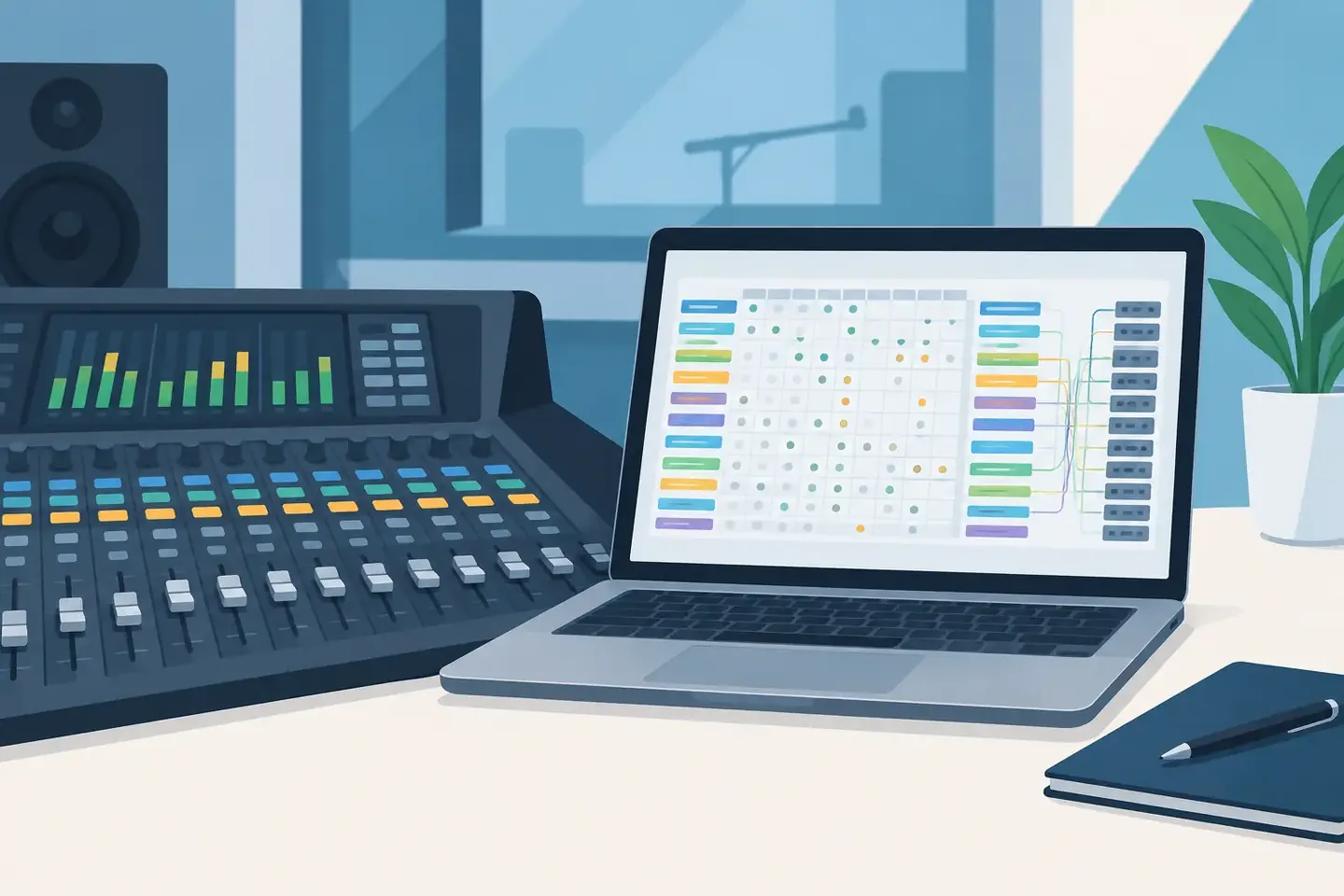
A console file loads. The channel names look familiar. Then the first playback return lands on the wrong fader, the shout mic has phantom off, and nobody can explain why the talkback is feeding the record bus. That is the moment a digital console patch sheet template stops being admin work and becomes show-critical.
A useful patch sheet is not a channel list copied from a console screen. It is a clear record of how signal moves through a specific system, why certain choices were made, and what the next operator needs to verify before doors. It has to work when the console is a different model, the crew is different, or the person who built the file is on another job.
What a Digital Console Patch Sheet Template Must Capture
Digital desks can store an enormous amount of information, but a saved show file is not the same thing as documentation. A file may restore correctly on the original console, yet still leave a technician guessing about stage inputs, tie lines, network subscriptions, physical outputs, matrix feeds, and last-minute workarounds.
Your template should capture the signal path in the order a technician will troubleshoot it: source, input, processing, routing, and destination. That order matters. When a vocal disappears, nobody starts by reading a paragraph about the show. They need to know which stagebox port feeds which console channel, what that channel is patched to, and where the output ultimately lands.
At minimum, structure the record around these four areas:
- Inputs: source name, physical input location, stagebox or rack, port number, console channel, head amp ownership, gain, phantom power, polarity, insert, and any split.
- Channel path: input patch, direct-out assignment, key EQ or dynamics decisions, groups, DCAs, mute groups, and scene or scope considerations.
- Outputs and routing: buses, matrices, physical output ports, amplifier or processor destinations, recording feeds, broadcast feeds, comms, and playback returns.
- Operational notes: exceptions, known faults, substitutions, scene recalls to avoid, guest-input requirements, and the reason behind unusual routing.
The right level of detail depends on the job. A two-mic corporate panel does not need the same documentation depth as a broadcast music mix with redundant playback, audience mics, press feeds, monitor splits, and separate program paths. But even a simple show benefits from a consistent structure. Consistency is what makes records reusable.
Build the Template Around Verification, Not Data Entry
The common failure of a spreadsheet patch sheet is not that spreadsheets are bad. It is that they are often built as a complete inventory, then abandoned because updating every cell during load-in is slower than solving the problem in front of you.
A better template supports the way crews actually work. Start with the information needed to patch and line-check the system. Add the details that explain deviations from the standard. Keep room for notes that cannot be reduced to a dropdown, such as: “Lobby feed is delayed from Matrix 5, not the usual aux,” or “Channels 33-40 are Dante returns from video, subscribed at FOH rack.”
Use names that make sense away from the desk. “CH 17” is only useful while looking at a particular console. “Lectern backup wired lav” tells the next technician what the channel is for. Pair descriptive names with the console channel number, physical port, and destination so the document remains useful even after a repatch.
Versioning also needs a place in the template. Record the console model, software version when relevant, show file name, date, venue or room, and the person who last verified the patch. Digital console behavior can change with firmware, stagebox configuration, or a different network clocking arrangement. A patch sheet without a date and verification owner quickly becomes a rumor.
Separate planned patch from verified patch
This distinction prevents a lot of bad assumptions. The planned patch is what the advance, input list, or system design says should happen. The verified patch is what was physically connected and line-checked on site.
Keep both when the difference matters. If an artist package arrives with a different stage rack, or a spare input gets used after a bad cable, overwrite neither the original intent nor the final reality. Mark the change and capture why it happened. That note can save the next crew from rebuilding an old mistake.
Make Routing Readable Across Console Brands
A digital console patch sheet template has to survive brand-specific language. One desk may call it a tie line, another a direct out, a socket, a port, a subscription, or a send. The terminology changes. The operational question does not: where does this signal come from, where is it going, and what controls it?
Write the signal path in plain technical language first, then include console-specific labels where they help. For example: “Playback computer A - Dante Rx 25-26 - stereo input 31-32 - Music bus - Matrix 1-2 - PA processor.” That record is understandable even if the file later moves to a different desk family.
This is especially useful for systems with shared gain, digital splits, or multiple consoles. Document who owns the head amp, which console receives trim-only control, and whether phantom can be changed locally. Those details are easy to forget because the system may behave normally until someone adjusts gain during a rehearsal.
Do the same for outputs. “Aux 7” is not enough. Identify whether it is a wedge mix, IEM transmitter, press feed, assistive-listening feed, or effects send, and note its physical destination. A meaningful output label reduces the chance of sending program audio to the wrong room or muting a feed that another department depends on.
Capture the Exceptions That Cause Rebuild Delays
The patch itself is only half the record. Rebuild time is usually lost on the details that sit outside a clean routing diagram: the channel with an external insert, the producer IFB that is pre-fader for a reason, the playback return that must never be included in a recording mix, or the matrix that feeds a lobby zone with a different delay.
Put those exceptions where a technician can find them during setup. A dedicated operational-notes field works better than burying them in a generic comments tab. Make notes short, direct, and actionable. “Do not recall Scene 12 after walk-in: it repatches record sends.” “Room B feed uses analog output 15 due to installed DSP mapping.” “RF A2 is spare only, but receives phantom through the splitter.”
Photos can support these notes, particularly for rack-panel labeling or unusual physical tie-ins. They should not be the only record. A phone photo cannot be searched for “broadcast mix minus,” compared against a previous show, or quickly read in a dark backstage hallway. Use images as evidence, not as the database.
Turn the Template Into a Reusable Record
A template is valuable once. A searchable documentation practice is valuable every time the same room, tour, client, or system returns.
After the show, preserve the patch sheet alongside the final console file, but do not treat the file as the primary reference. The record should answer practical questions without forcing someone to open the desk software: Which stagebox port handled the lectern? Where did the clean feed originate? Was the playback split analog or networked? Which scene was safe for walk-in?
This is where natural-language documentation has a real operational advantage. Instead of stopping to fill rigid cells while moving through a changeover, a technician can record: “Moved host lav from Rio A12 to A14 after a noisy preamp. Console channel stayed 5. Updated spare at A12.” The system can organize that note into the setup record while keeping the original context intact.
ConfigMind is built around that workflow: capture details at the console or backstage, organize them into structured records, then find the setup later by searching the language technicians actually use. The goal is not to force crews into more paperwork. It is to make the details already being communicated on comms, in chat, and in memory durable enough to reuse.
A Patch Sheet Should Reduce Decisions Under Pressure
Do not try to create one universal document that captures every menu setting on every digital console. That becomes a maintenance project nobody trusts. Build a core template that documents signal flow, verification status, routing, and operational exceptions. Add fields only when they routinely prevent an error or shorten a rebuild.
Before you close the file, ask one practical question: could a competent technician who was not here today use this record to patch the system, identify the exceptions, and know what to verify? If the answer is yes, the template has done its job. The next show starts with a known setup, not a scavenger hunt.
Document your setups digitally
ConfigMind helps audio, video and broadcast technicians document, plan, and hand over installations in a structured way. Get in touch for a demo.