Crew Knowledge Software That Saves Every Setup
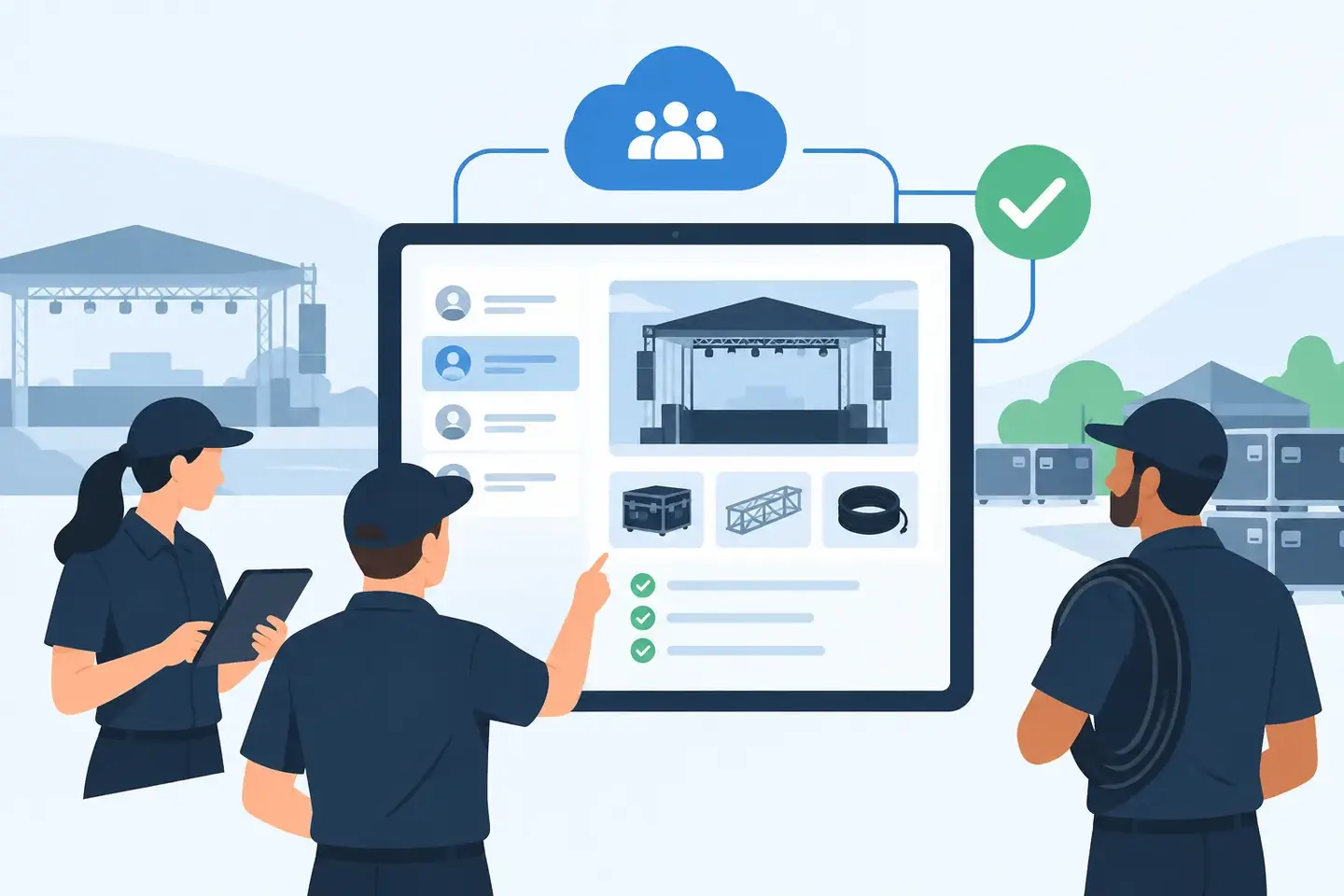
A console file is not the whole setup. It does not show the patch change made five minutes before doors, the guest input moved to a spare channel, or the reason a compressor threshold was set differently for a particular presenter. Crew knowledge software keeps those decisions from disappearing into someone’s phone, a chat thread, or the memory of the one technician who happened to be there.
For production teams, that is not an administrative problem. It is a show-readiness problem. When a crew needs to rebuild a room, cover a shift, restore a known-good configuration, or troubleshoot a recurring fault, finding the right information fast matters more than having information somewhere.
What crew knowledge software should actually do
Generic knowledge-base tools are built for policies, meeting notes, and long-form documents. Production work has different demands. A useful system needs to handle settings captured at the console, backstage, in a control room, or while walking a venue. It needs to preserve context without asking a technician to spend an hour formatting a report after load-out.
That means crew knowledge software should turn real-world evidence into usable records. A photo of a channel strip, a screenshot of a routing page, a note about a problematic wireless frequency, and a saved scene can all belong to the same setup record. The record should identify the desk, room, show, date, technician, and operational notes that explain what the settings mean.
The goal is not to replace console files, DSP backups, or manufacturer software. Those files remain necessary. The goal is to make them findable and understandable when the original operator is unavailable.
A saved console file can tell you what was loaded. It often cannot tell you why the file was changed, whether it worked in the room, what was bypassed during the show, or which physical inputs were repatched. A crew record closes that gap.
The costly gap between documentation and retrieval
Most crews already document more than they think. They take photos. They send messages. They keep folders full of screenshots. They write notes on gaff tape, paper, spreadsheets, and call sheets. The problem is not a lack of effort. The problem is that these records are scattered, inconsistently labeled, and nearly impossible to search under pressure.
Consider a corporate ballroom that hosts recurring programs with different room layouts. The A1 remembers that the lectern mic needed a high-pass filter adjustment, the playback return landed on an unusual input pair, and a delay matrix was added for overflow. A month later, another technician gets the same client, a shortened load-in, and a console reset after a firmware update. They may have the old show file, but do they have the operational decisions around it?
Without a shared record, the replacement technician starts from fragments. They search a group chat, scroll through a camera roll, call someone who may be on another show, or rebuild from scratch. The lost time is only part of the cost. The larger risk is a missed routing change, an unpatched output, incorrect phantom power, or a setup that sounds wrong because a known fix was never recorded.
Crew knowledge software reduces that dependency on individual memory. It gives the team a place to capture what happened and retrieve it by the terms technicians actually use: console model, room name, client, input, output, scene, routing, issue, or date.
Capture the setup where the work happens
Documentation fails when it creates too much extra work. If the process requires a technician to transfer photos to a laptop, rename every file, fill out a rigid form, and manually sort everything later, it will be skipped during a real production day.
The better workflow begins at the point of work. Capture a console page or equipment photo on a phone. Add a short note in plain language: “Ballroom B, annual meeting, lectern on CH 12, insert engaged to control handling noise. Matrix 3 feeds press mult.” The system should organize that evidence into a durable setup record without forcing the technician to translate their work into database language.
This is where practical AI earns its place. It can read visible values from supported console screenshots or photos, recognize technical terms, and structure information around settings such as gain, phantom power, inserts, EQ, dynamics, routing, and scenes. It does not replace an engineer’s judgment. It reduces the manual effort required to preserve that judgment.
There is a trade-off. Photos alone are quick, but a photo without context can be hard to use later. Detailed notes are clearer, but they take longer. The strongest process combines both: visual proof of the configuration plus a concise note that explains the decision, exception, or result.
Search needs to work like a technician thinks
A folder hierarchy can be tidy and still be slow. Under pressure, crews do not always remember the exact project name or where someone filed a document. They remember practical details: “the Yamaha setup for the awards show,” “the screen feed that had the audio delay,” or “the room where the podium RF kept dropping.”
That is why search is the defining feature of useful crew knowledge software. Technicians should be able to search naturally and reach the relevant setup, screenshot, note, and settings record in seconds. Search should support broad questions when the user does not know the exact label, while still allowing precise filtering when they do.
A venue technician may need all records for a specific ballroom. A touring engineer may need the last known setup for a particular console and artist package. A broadcast operator may need the routing notes for a control room after a staff change. These are different retrieval paths to the same outcome: fewer assumptions before signal passes.
ConfigMind is built around this field reality. It turns technical captures into searchable records so crews can preserve a setup without making documentation a separate project.
Build records around repeatable work, not perfect paperwork
The highest-value setups are not always the biggest shows. A recurring house-of-worship service, a frequently rented corporate package, a studio podcast room, or a broadcast position that changes operators can create more cumulative risk than a one-off event. Small errors repeat when the information behind a known-good setup is not retained.
Start with the configurations that are expensive to rebuild or easy to get wrong. Document the console starting point, stagebox or I/O assignment, key routing, processing exceptions, scene strategy, and known failure points. Add operational notes that answer the questions the next person will ask: What changed? Why did it change? What should be checked first?
Avoid trying to document every parameter on day one. That approach often produces a backlog and no usable habit. Instead, make capture part of existing checkpoints: after a successful soundcheck, before a major changeover, after solving a recurring issue, or when a show file is confirmed as a reliable baseline.
A simple record is better than a perfect record that never gets created. Over time, those records become a working library of proven decisions.
Shared knowledge protects the crew as well as the show
Institutional knowledge is often treated as something one senior technician carries. That can work until that person is sick, booked elsewhere, leaves the company, or simply cannot remember a detail from six months ago. It also puts unfair pressure on experienced operators to be the permanent answer desk for every setup question.
A shared technical record gives newer crew members a faster path to competent execution. It does not eliminate the need for training or verification. It gives them a starting point based on what has already worked in that environment. Senior staff spend less time reconstructing old work and more time reviewing decisions that genuinely need expertise.
Access and ownership matter here. Teams need records available to the people who need them, but not a free-for-all where unclear edits overwrite trusted baselines. A practical system should make it clear who captured a setup, when it was updated, and whether it represents a tested configuration or a work in progress.
That distinction matters after equipment changes. A record from before a console firmware update or a new DSP deployment may still be useful, but it should not be treated as automatically current. Knowledge software supports verification. It should never encourage blind recall.
Make the next call easier
The test is simple: when a technician asks, “How did we make this work last time?” can the crew answer before the pressure builds?
If the answer depends on scrolling through photos, finding a former employee’s notes, or rebuilding a configuration from memory, the team is carrying unnecessary risk. Capture the evidence when the setup is working. Add the few details that explain it. Make it searchable for the next person.
The next difficult call will still be difficult. But it does not need to start from zero.
Document your setups digitally
ConfigMind helps audio, video and broadcast technicians document, plan, and hand over installations in a structured way. Get in touch for a demo.