Broadcast Equipment Configuration Management
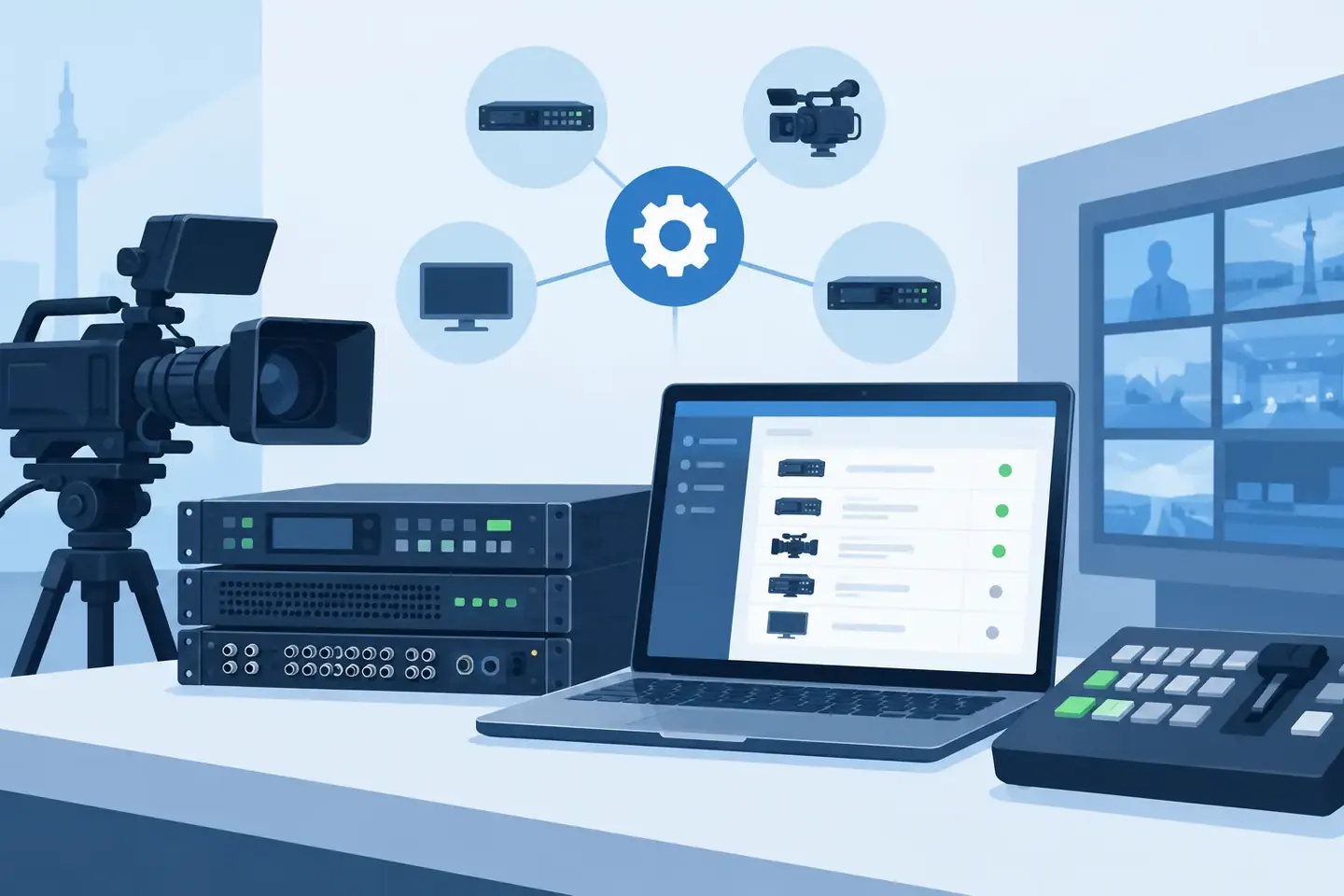
A truck rolls into a new venue, a control room changes operators, or a flypack comes back from storage. The system powers up, but the real question is not whether every device is online. It is whether it is configured the way the last successful show required. Broadcast equipment configuration management is what closes that gap between a working system last week and a working system right now.
For broadcast crews, configuration is not a single file sitting on a console. It is the collection of decisions that make the signal path, comms, monitoring, playback, cameras, networked devices, and control surfaces behave as one system. When those decisions live in someone’s memory, a camera roll, or an old group chat, the next setup starts with a scavenger hunt.
What Broadcast Equipment Configuration Management Actually Covers
A useful configuration record captures more than a device model and a saved scene name. It preserves the operational context: which input was assigned to which source, why a frame synchronizer was set a certain way, which mix-minus feed went to remote talent, and what must be checked before air.
For an audio console, that can include head amp gain, phantom power, inserts, EQ, dynamics, bus assignments, matrices, talkback paths, cue mixes, scene recalls, and exceptions to the normal show file. For video and broadcast infrastructure, it can include router crosspoints, multiviewer layouts, camera shading notes, intercom panels, encoder profiles, reference and sync settings, tally logic, playback routing, and network addresses.
The details vary by facility and production. The operating principle does not: capture the settings that a competent technician would otherwise need to rediscover under deadline.
A show file remains necessary, but it is not the whole record. Files can be overwritten, tied to a software version, stored on the wrong drive, or missing the reason behind a nonstandard choice. Configuration management adds the missing layer: a searchable explanation of what was done, where it lives, and how to restore it safely.
Why Saved Files and Photos Fall Short
Most teams already document something. The problem is that the documentation is usually fragmented.
A console show file might preserve channel processing but not explain the temporary analog patch used for a visiting network feed. A photo can show a physical panel but cannot tell a new operator which button must stay latched before a live hit. A spreadsheet may have the original patch but not the routing change made during rehearsal. Chat messages preserve context for a day, then disappear into a thread nobody searches.
These methods also fail at handoff. The technician who made the change knows that “Aux 7” is the IFB return for the sideline reporter, or that the backup playback machine needs a specific embedded-audio mapping. The technician arriving for the next shift sees labels, partial notes, and assumptions.
That is how routine work turns into risky work. People rebuild from memory, compare screens device by device, and make changes while trying not to disturb an active path. The cost is not just time. It is avoidable uncertainty during the part of the day when nobody has room for it.
Build Records Around Recovery, Not Administration
The best documentation workflow is designed for the person standing at the rack, console, or engineering desk. It should answer practical questions quickly: What is this setup? What changed? What needs to be restored? Who confirmed it worked?
Start by treating each reusable production state as a record. That might be a weekly news control room setup, a sports remote flypack, a corporate broadcast package, a worship livestream, or a temporary studio build. Give it a clear name that matches how the crew talks about the job, not an internal naming scheme that only one person understands.
Then capture the configuration in the order a technician is likely to need it during a rebuild. Begin with the high-consequence paths: program, preview, clean feed, comms, IFB, reference, recording, streaming, and monitoring. Add device-specific settings beneath that structure. This makes the record useful even when the exact hardware changes.
Natural-language notes matter here. A technician should be able to say, “Guest laptop on HDMI 3 goes through scaler two, embedded audio lands on console channels 23 and 24, and the confidence feed is muted during commercial breaks.” That is faster than forcing every field into a rigid form, and it retains the operational detail that forms often miss.
Capture the Exceptions That Cause Failures
Standard configurations are rarely what break a show. Exceptions do.
Document the channel that needs phantom power, the remote guest return that is delayed, the router destination that looks backward on a legacy panel, or the camera whose tally is intentionally disabled for a particular format. Record the reason, not just the action. “Do not recall Scene 12 after doors because it resets announcer IFB” is a better handoff than “Scene 12 - caution.”
This is also where photos and screenshots still have value. Use them as evidence for physical labels, connector positions, panel states, or unusual screen layouts. Pair them with searchable notes. An image alone is hard to retrieve when someone asks, “Which decoder profile did we use for the alternate language feed?”
Make Ownership Visible
A configuration record needs a responsible owner and a timestamp, especially in shared facilities. That does not mean turning every adjustment into paperwork. It means a crew member can identify whether the notes reflect the last verified state or an older baseline.
Use a simple status such as draft, tested, live, or retired. If a setup is copied for a new production, preserve the original and document what changed. Overwriting a known-good record may feel efficient until a rollback is needed.
Search Must Work Like Crew Communication
Nobody thinks, “I need record 047-B.” They think, “What was the routing for the pool feed at the arena?” or “Which console scene had the host mix-minus?” Configuration management only earns its place in the workflow if technicians can search with those terms and get a useful answer in seconds.
That means records should be searchable by production name, venue, device, signal, operator language, and operational notes. It also means teams should avoid burying critical context in attachments or relying on exact file names.
An AI-assisted system can organize spoken or typed notes into structured fields while keeping the original technician language available. ConfigMind is built around that practical workflow: capture the setup at the console or backstage, turn it into a structured record, search it later, and reuse it without rebuilding the knowledge from scratch.
The goal is not to replace engineering judgment with automation. A record cannot troubleshoot a failed SDI run or diagnose a clocking issue by itself. It can prevent the team from spending 20 minutes rediscovering a routing decision that was already tested and known to work.
Plan for Offline Work and Real Handoffs
Broadcast work does not always happen where Wi-Fi is reliable. Remote compounds, loading docks, basements, temporary venues, and busy show floors are poor places to depend on a browser tab that must stay connected. Documentation needs to be available where the equipment is, with synchronization when a connection returns.
The same principle applies to handoffs. Notes should be readable on a phone at a rack and detailed enough for a lead engineer reviewing a system later. A useful handoff identifies what is stable, what is temporary, what changed during the show, and what should be verified before the next use.
For example, a concise end-of-show note might state that the backup encoder was tested at 1080p59.94, the primary stream used a revised audio pair mapping, and the routing change was retained in the production snapshot but not the facility baseline. That single note protects the next crew from making the wrong assumption.
Keep the System Lightweight Enough to Survive
There is a trade-off in every documentation program. Capture too little, and the record cannot support a rebuild. Require too much, and crews stop updating it when the schedule gets tight.
The answer is not a massive template for every device. It is a minimum useful record with room for detail where risk is high. For a small recurring webcast, the essential record may be the console scene, camera assignments, playback routing, streaming settings, and a few known issues. For a network remote, it may need detailed signal-flow notes, intercom mapping, redundancy paths, and validation steps.
Review the records after real use. If a technician still has to call someone to finish a setup, identify the missing piece and add it. If nobody ever reads a section, remove it or make it optional. Configuration management should reduce friction, not create a second production job.
The best time to document a working configuration is while the system is still in front of you and the decisions are fresh. Capture it before teardown, mark what changed, and give the next crew a starting point they can trust. Finding a setup should not take 30 minutes when the show clock is already running.
Document your setups digitally
ConfigMind helps audio, video and broadcast technicians document, plan, and hand over installations in a structured way. Get in touch for a demo.